Make Employee Benefits Work for Frontline and Shift Teams
Many frontline and shift workers miss out on valuable employee benefits simply because traditional communication methods don’t reach them where they work. This article presents five practical strategies to bridge that gap, drawing on insights from benefits specialists and workforce management experts. These approaches focus on meeting employees at the point of need—whether that’s the time clock, their mobile device, or during shift transitions.
- Offer Emergency Coverage by Text
- Train Leads to Personalize Education
- Place QR Links at Time Clocks
- Push Updates through Existing Mobile Channels
- Adopt Auto-Enrollment with Opt-Out
Offer Emergency Coverage by Text
We designed our “Emergency Shift Swap” program because we recognize that for our team, flexibility is the ultimate benefit. Instead of forcing staff to navigate rigid PTO rules that require weeks of notice, we created a system supported by a dedicated team of on-call cleaners who are ready to step in at a moment’s notice. This ensures that if a staff member faces a sudden family conflict or a child’s school closing, their income is protected and the client’s home still gets cleaned. By acknowledging that life does not happen in neat blocks, we have provided a real-world safety net that gives our employees the peace of mind they need to manage their personal responsibilities without risking their paycheck.
We significantly increased participation by making this program accessible through a “Text-to-Request” feature. We realized that since our staff is in the field all day, they do not have consistent access to laptops or complex portals, so we simplified the entire process to a quick text-based confirmation. This removed the barrier of limited computer access and allowed for real-time coordination while our team is on the move. As a result, 110 of our staff members successfully used the program to manage personal emergencies within the first month alone, which was a massive jump from the 15 people who had previously struggled to navigate the old, manual request system.
Train Leads to Personalize Education
Operationally, benefits suffer when they create friction for overworked teams. Advisors and handlers are held accountable for their productivity, so if something feels administrative it falls to the bottom of their priority list. I’ve experienced low benefit engagement when the messaging was generic, timed poorly or simply didn’t align to day-to-day operations at a team level. You also risk losing employee trust if your benefits enrollment process is overly complicated.
The strategy that yielded results aligned benefit education with leadership. We taught team leads to communicate benefits during onboarding and revisit benefits during performance reviews by linking them to personal experiences like financial hardships or working too many night shifts in a row. We saw higher engagement by launching kiosk style enrollment platforms in break rooms with the option to continue enrollments by scanning a QR code on their phone. This eliminated the online/offline barriers and made participation visible and attainable by those your teams trust most, their immediate supervisors.

Place QR Links at Time Clocks
Frontline benefits fail when access assumes desks, passwords, and fixed routines. We redesigned enrollment around shift reality, not traditional office convenience. Every option fit inside a phone screen and two-minute decision. Printed QR cards near time clocks linked directly to benefit actions.
That single change removed portal hunting and after-hours login frustration. Participation rose because workers scanned during breaks, before commute distractions returned. Supervisors also carried laminated cards explaining plans in plain, bilingual language. Benefits became something reachable between tasks, rather than homework after exhaustion. Design for stolen moments, and usage follows without expensive incentives.

Push Updates through Existing Mobile Channels
Companies make the greatest mistake when they treat benefits available to employees as an email newsletter. Shift workers do not have enough time to search an inbox for information, or navigate an antiquated desktop portal while they are actively working at operations on the floor. By relying on centralized access to computers, companies are literally putting up a digital wall, which the most active employees cannot climb.
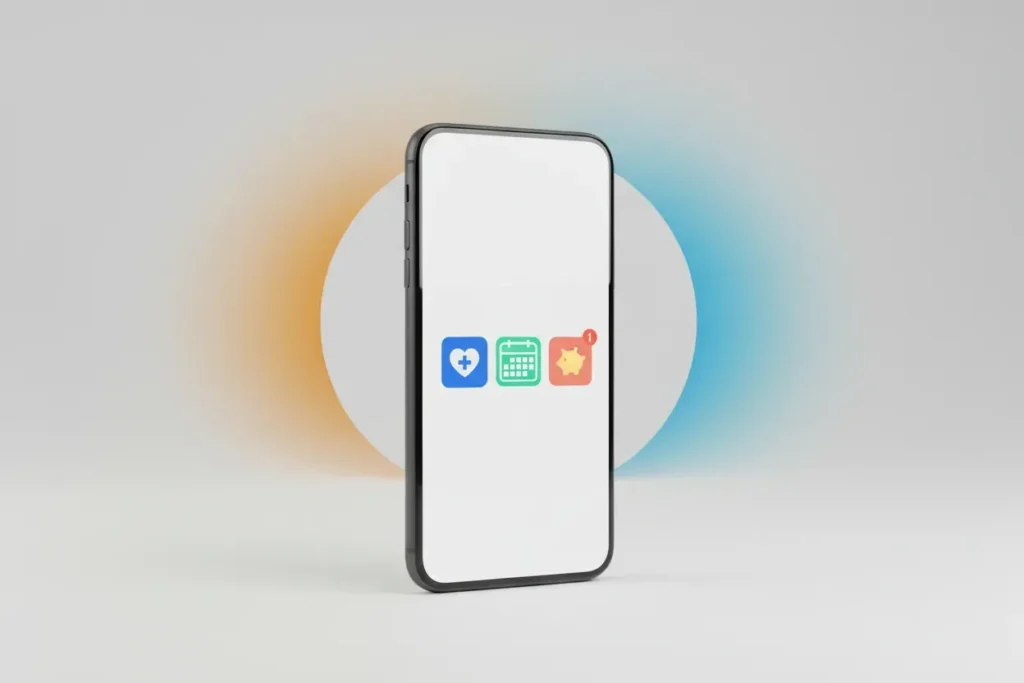
To address this problem, we moved from a computer-based to a mobile-first push model. Instead of waiting for workers to access benefit information, we integrated benefits updates and reminders into the mobile messaging channels that employees already use to schedule shifts and receive updates from their teams. We also stopped treating benefits as a static document, and began treating them like operational updates that employees needed to receive on their phones during short breaks, as a matter of necessity. When we eliminated the need for a separate login for benefit information, we saw an immediate increase in the amount of usage of benefit information.
To design for this segment of the workforce, it is important to acknowledge that the best tool for use does not always mean the most extensive tool, but rather may mean the tool that the employee is currently using. By reducing the number of steps to zero, you naturally increase usage.

Adopt Auto-Enrollment with Opt-Out
I am pleased to respond to your question from the perspective of Total Rewards executive as well as attorney supporting companies with compensation and benefit matters.
Traditional benefits administration sometimes assumes employees have desktop computers and flexibility to attend regular workday meetings. Both of these assumptions are incorrect for front-line and shift workers. I have led organizations through the communication paradigm shift to design benefit with mobile-first technology requiring technology be accessible by either the worker’s cell phone or even kiosks in the breakrooms.
Additionally, benefit communications can’t be limited to in-person 9-5 live presentations. Benefit communications need to also be mobile-first to ensure that videos on-demand are available for shift-workers to watch when they have time, and that benefit information is easily accessible through an employee-friendly website also accessible when the worker has questions. Additionally, I ensure that benefit videos are available in short 3-5 minute clips, as many workers don’t have time or inclination to listen to an hour-long video.
In addition to implementing this mobile-first approach to benefit access and communication, I also ensure that the worker receives an annual physical mailing at their home address for benefits open enrollment as well as 401(k) plan information. Sometimes seeing the information in a different medium lends clarity to new benefit design changes.
Another participant intervention that helps front-line workers is to make the enrollment process as easy as possible for them. For health & welfare annual enrollment, the benefit elections carry forward except those that are required to be updated annually. The 401(k) plan also has auto-enrollment for new hires with the option to opt-out of participation. With this one change, participation increased from 40% to over 80% in an 18 month period and separately added texting reminders to participants to remind them that annual enrollment was about to open, then later, close and give them a link to the website for more information and to enroll in the enterprise HCM.
Organizations should review all benefit platforms for mobile-first functionality, conduct focus groups with front-line workers asking them how they would like to receive benefit information and deliver a comprehensive on-going communication campaign to address workers’ preferences and needs.